Unitel Top-Up & Balance Check for Your Laos eSIM
Published

The short answer: dial *122# to check your Unitel balance, and dial *123* + voucher code + # to top up. Both work on an eSIM exactly as on a physical Unitel SIM, and you never need to re-register — a pre-activated eSIM from us is already registered under your order. Here are the exact codes and steps.
Check your balance: dial *122#
This works on any Unitel number, eSIM or physical SIM — no app, no login, no registration needed. Dial it like a phone call and a menu pops up showing your remaining balance and, depending on your plan, your remaining data.
Top up: buy a voucher, dial *123* + code + #
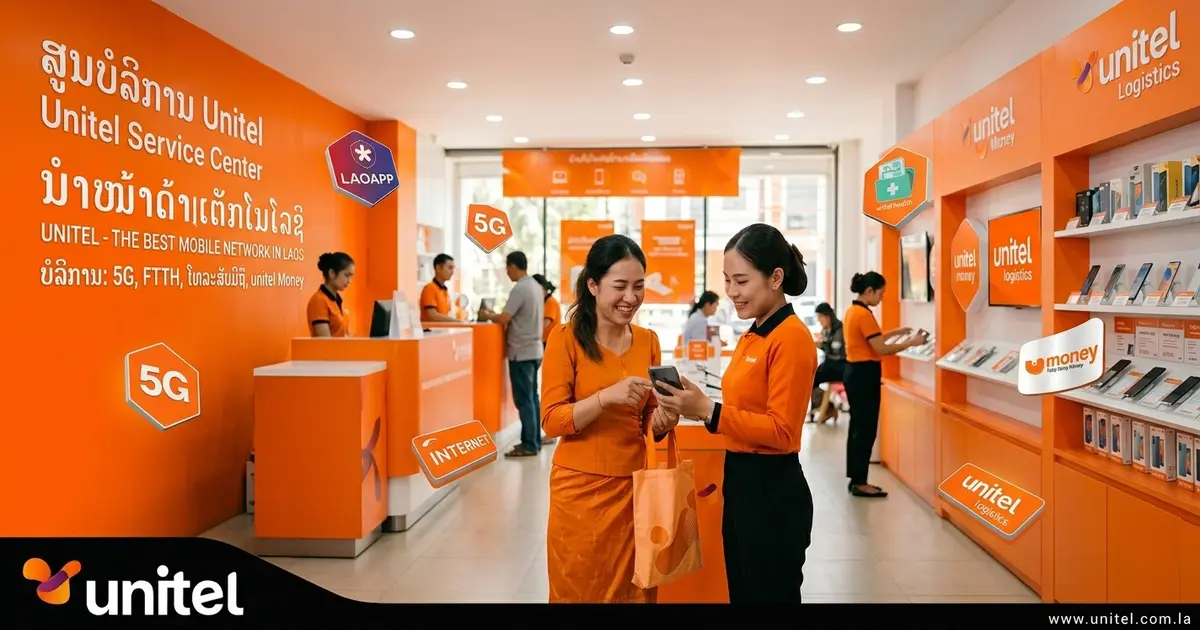
- Buy a Unitel top-up voucher — any convenience store, mobile shop or street kiosk in Laos sells them (look for the Unitel logo).
- Dial
*123*followed by the voucher’s code, then#. For example*123*1234567890123#. - Confirm — the credit is applied instantly, and you can check it landed with
*122#.
This adds credit to your existing eSIM; it doesn’t reset or replace it. Your APN settings (unitel3g) and everything else you set up on arrival stay exactly the same.
One thing to know: you don’t need to register again
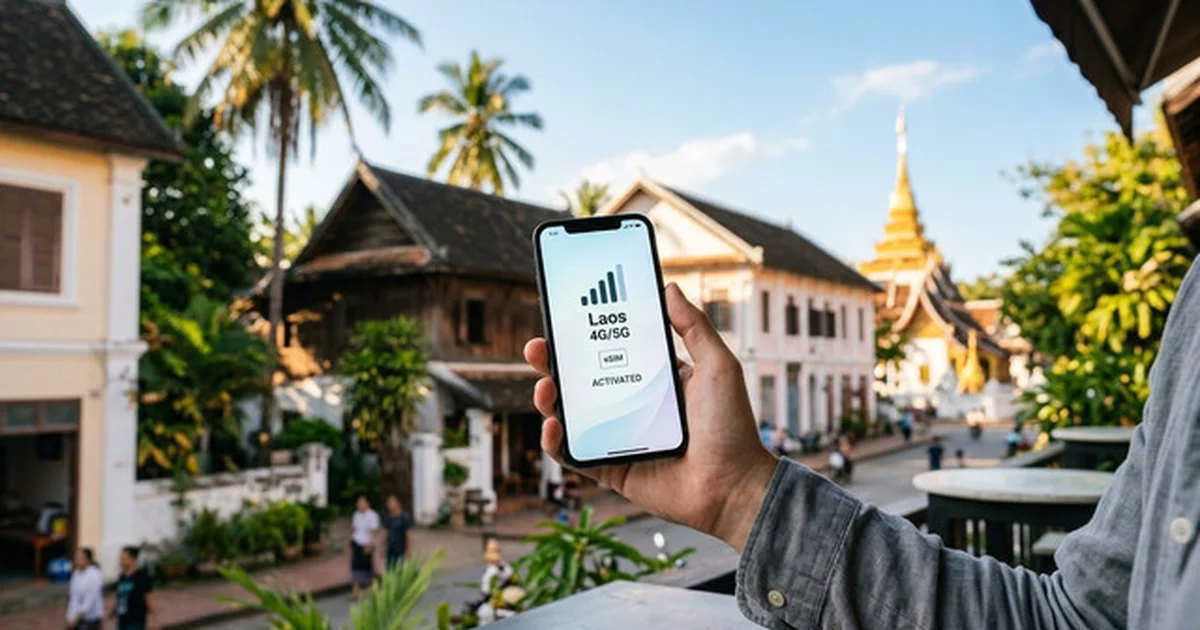
If your eSIM came from Internet in Laos, it’s pre-activated and pre-registered under your order — that’s the whole point of buying it online instead of at a counter. The *1021# registration check and the passport/KYC process in our Unitel registration guide only apply if you’re buying a physical SIM locally from scratch. Topping up an eSIM you already have doesn’t touch any of that.
Running low with days left on your trip?
Two options:
- Top up locally with the
*123#voucher method above — cheapest if you’re already in Laos and just need a bit more. - Buy another plan from us — see our Laos eSIM plans, from 10GB/10 days to 30GB/30 days. If you’re staying longer than a couple of weeks, our long-stay eSIM guide covers the cheaper option once your initial package runs out.
Still stuck? Contact support and we’ll help you sort it out.
Frequently asked questions
How do I check my Unitel balance? +
Dial *122# on your phone. It works the same way whether you're on a physical Unitel SIM or a Unitel eSIM — no app or registration needed.
How do I top up my Unitel eSIM? +
Buy a Unitel top-up voucher at any convenience store, mobile shop or kiosk in Laos, then dial *123*, followed by the voucher code, then # to apply it. Your existing eSIM data plan stays exactly the same — you're just adding credit or a new package to it.
Do I need to register again to top up? +
No. If you bought your eSIM from Internet in Laos, it's already pre-registered — the *1021# registration check and the KYC paperwork are only relevant if you're buying a physical SIM locally. Topping up doesn't require any of that.
Can I top up online instead of buying a voucher? +
Yes — Unitel credit and packages can also be bought through the Unitel app or supported bank/QR payment apps in Laos. The in-store voucher route is simply the one that needs no app or bank account and works anywhere a kiosk sells vouchers.
What if *122# doesn't return my balance? +
First check you're dialling from the Unitel eSIM line (not your home SIM) and that the eSIM is set as the active line for calls. If it still fails, open the Unitel app or call 109 from the Unitel line.
Does topping up reset or replace my data plan? +
No. A top-up adds credit to the line; buying a data package then uses that credit. Your existing plan and APN settings (unitel3g) stay unchanged — you're only adding to what you already have.
Can I buy a Unitel data package instead of a plain top-up? +
Yes — once you have credit, dial *209# for the package menu, or *209*<code># to activate a specific package (some 2026 Unitel material also lists *123*<code>#). See our Unitel data package price list for the current codes.
Get connected for your trip
10GB
- 10GB high-speed data
- Automatic activation
Automatic. Data works the moment the eSIM connects to Unitel. Nothing to dial, nothing to switch on.
QR emailed within minutes · Stripe secure checkout · No account needed
15GB
- 15GB high-speed data
- Automatic activation
Automatic. Data works the moment the eSIM connects to Unitel. Nothing to dial, nothing to switch on.
QR emailed within minutes · Stripe secure checkout · No account needed
20GB
- 20GB high-speed data
- Automatic activation
Automatic. Data works the moment the eSIM connects to Unitel. Nothing to dial, nothing to switch on.
QR emailed within minutes · Stripe secure checkout · No account needed